
Ansbach MHS Hoodie Adult (Ansbach MHS)
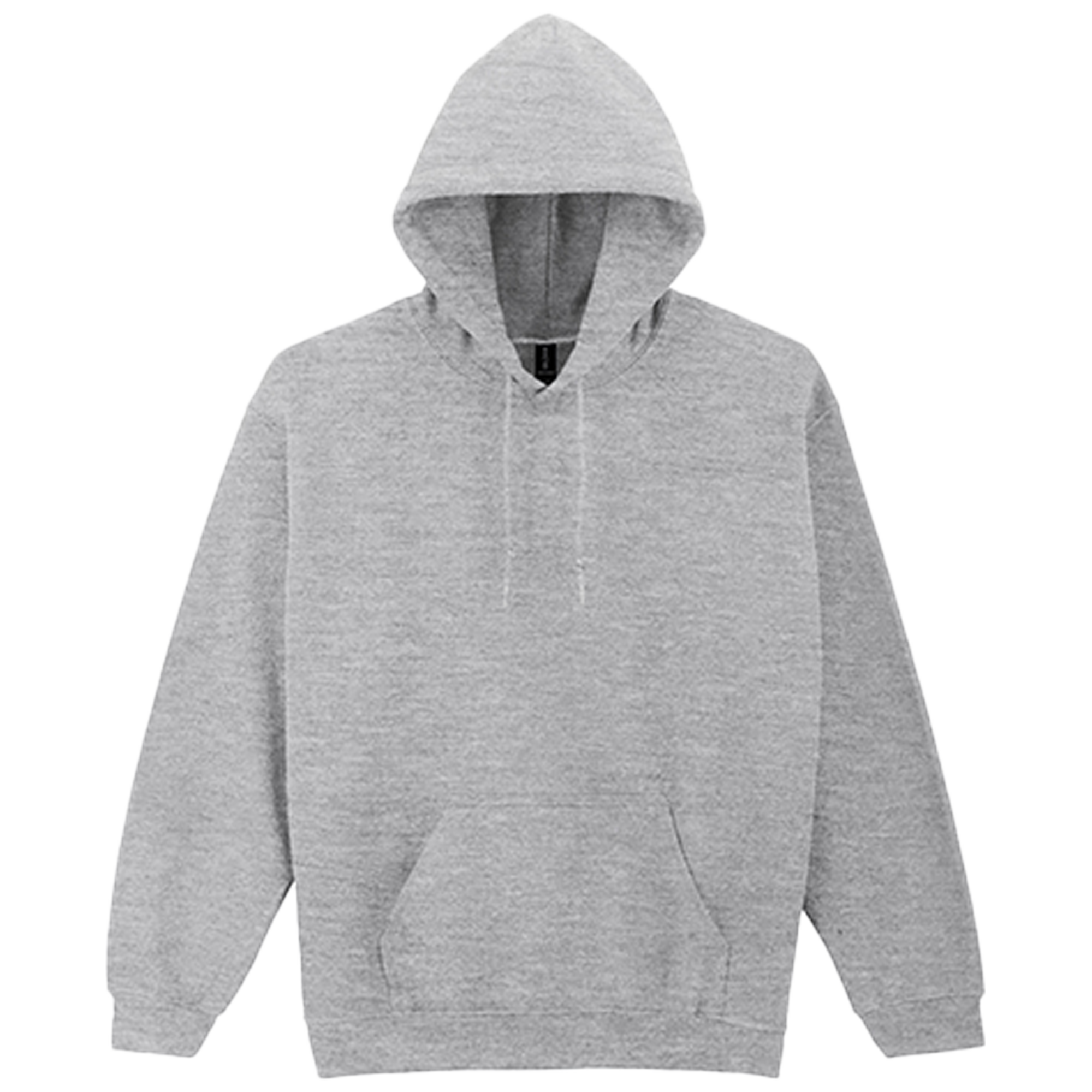
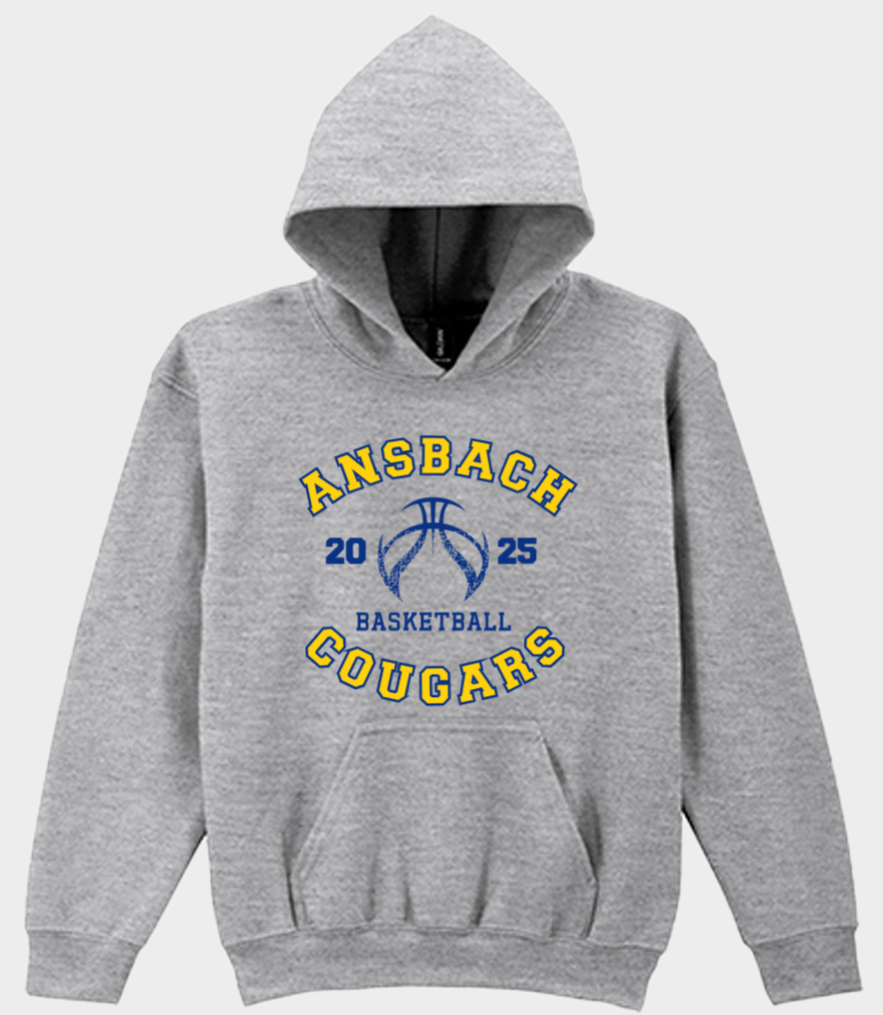
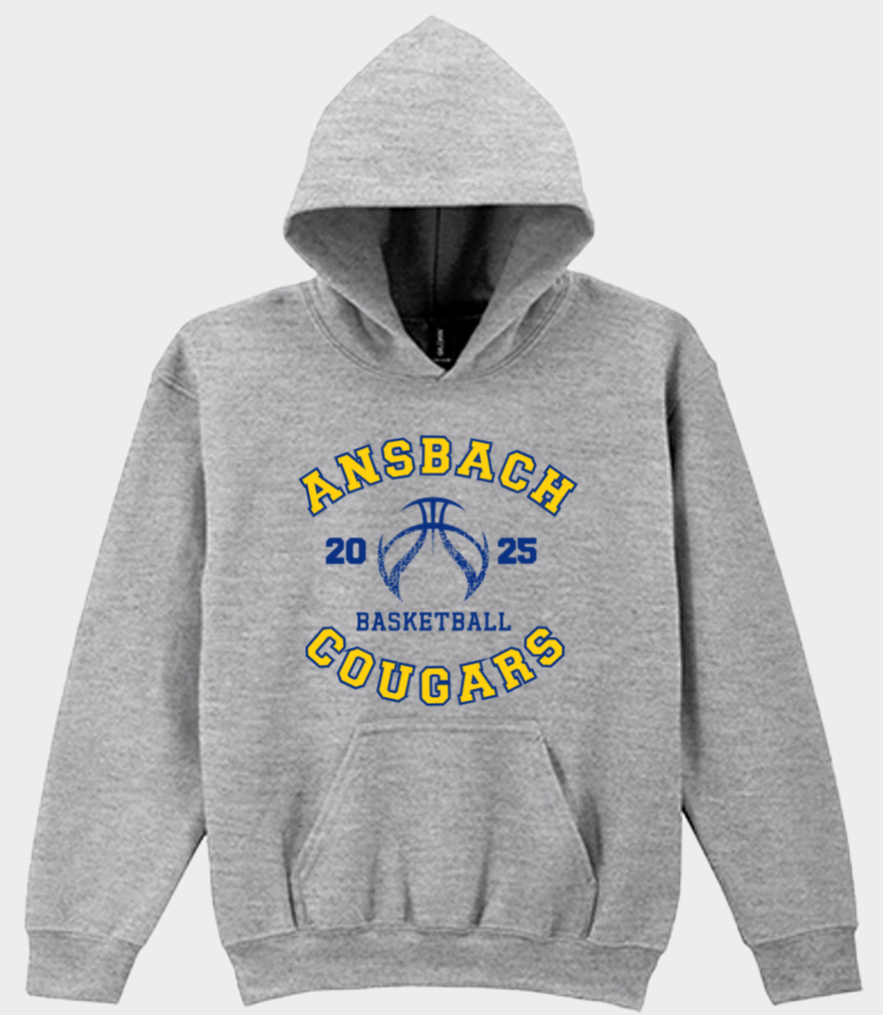
Gildan Hoodie
Crew neck with cotton/Lycra® rib
| Composition | 50% Cotton/50% Polyester), |
|---|
| Care Instructions | Washable at 40°C Suitable for tumble drying on low heat |
|---|
🧥 How to Order Your Custom Garment – Made Simple
Step 1: 👕 Choose Your Garment Pick your size and quantity—whether it's one item or a whole team set.
Step 2: 🖨️ Customize Your Print Sides Want printing on all sides? Great! Prefer just the front? Deselect the others to lower your base price.
Step 3: ✏️ Start Designing Click “Start Customizing” to create your design or choose from pre-made options under Browse Designs.
Step 4: 📌 Place Your Graphics Select the side of the garment (Front, Back, Sleeves) and drag your design into place.
Step 5: ✅ Confirm Your Shirt Design Click “I Agree” once everything looks perfect and your images are ready.
Step 6: 🛒 Save & Add to Cart You're done! Save your design and add it to your cart to complete your order.
| Available Sizes | Quantity From | Quantity To | Price |
|---|---|---|---|
| S/M/L/XL/2XL/3XL/4XL/5XL | 1 | 2 | -- |
| 3 | 5 | -- | |
| 6 | 10 | -- | |
| 11 | 23 | -- | |
| 24 | 49 | -- |
Yes, this service is available.
How to Order Team Names and Numbers on the Back:
Step 1: Choose the color of your item.
Step 2: Select the production speed (how soon you need your order ready).
Step 3: Enter the quantity for each size.
Step 4: Choose your print areas — front, back, or sleeves.
Step 5: Indicate whether you need help with graphics.
Step 6: Click Buy Now and upload your graphics later.
Step 7: Scroll down to Bulk Template Personalization and select Yes.
A black box will appear — make sure to check this box.
Step 8: Click the red Download button to get the Excel file. Copy your team names and numbers into this file, save it, then upload it and click Continue.
Step 9: Save your design and add it to your cart.
For further assistance, please email info@infocusphotos.de.